Small Entity Schema 2
A Linux desktop application for exploring, editing and updating Small Swoole Entity Manager classes directly inside an existing PHP project.
What it does
Visual entity map
Load ORM classes from a PHP project and inspect fields and relations as a navigable graph.
Entity and namespace editing
Create or edit entities, properties, relations and namespaces from the desktop inspector.
Source-aware updates
Write ORM and Small Forms metadata back to PHP while retaining application-owned code.
Requirements
Small Entity Schema 2 targets projects using:
- Linux for the desktop application;
- PHP 8.3 or later;
small/swoole-entity-manager-core3.0;- PHP classes discoverable through the selected project's Composer configuration.
The project directory must contain a composer.json file.
Install and start
Download the latest small-entity-schema-<version>.AppImage from the
GitLab releases page, then make it executable:
If FUSE 2 is unavailable, use AppImage extract-and-run mode:
Use Set project → New project… to select a directory containing composer.json.
Known projects are remembered by the desktop application and can be selected again from the same menu.
Visual workflow
1. Explore the entity map
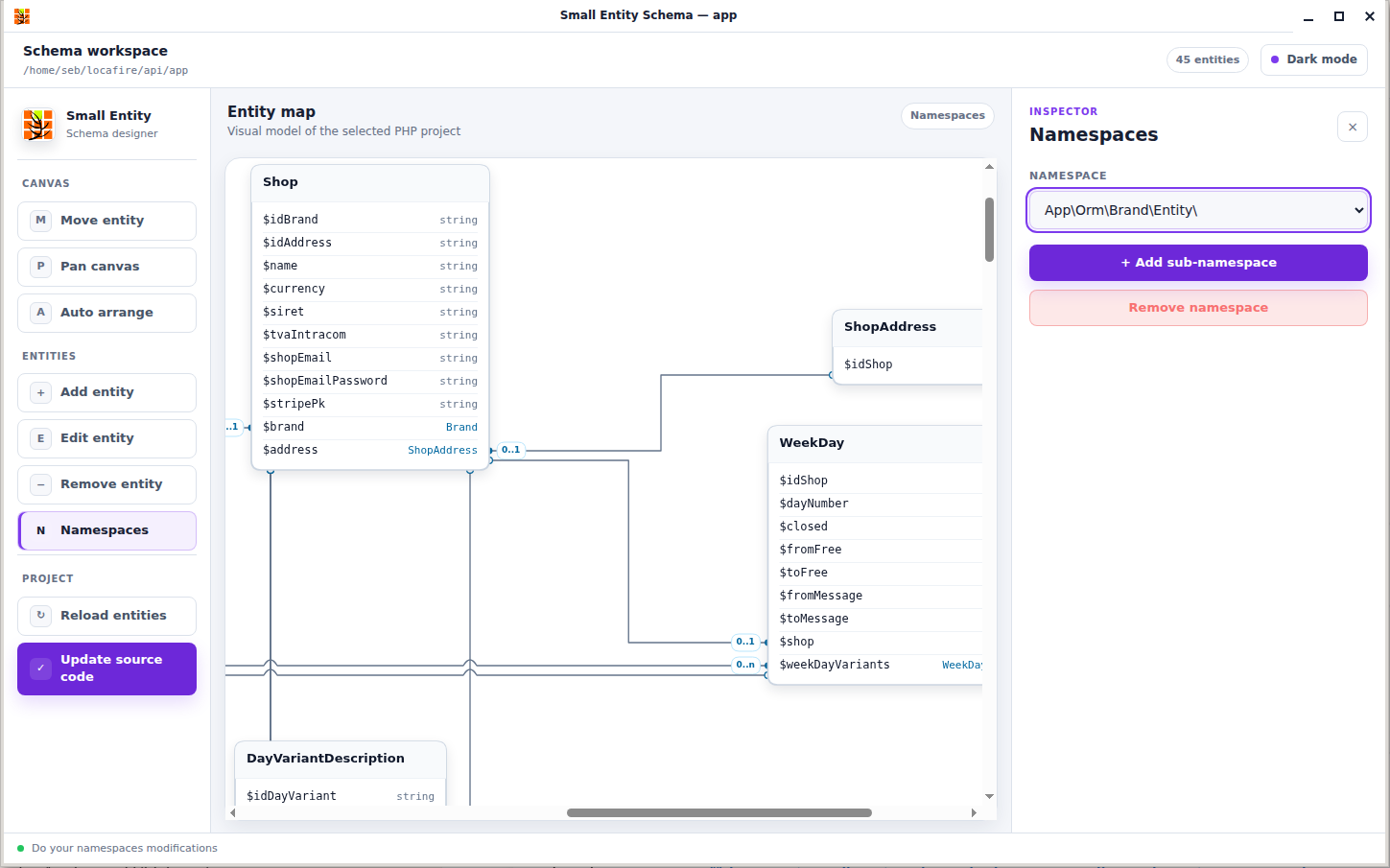
The workspace loads entities from the selected project and presents their properties and relations on a scrollable canvas. Use Move entity, Pan canvas and Auto arrange to organize a large model.
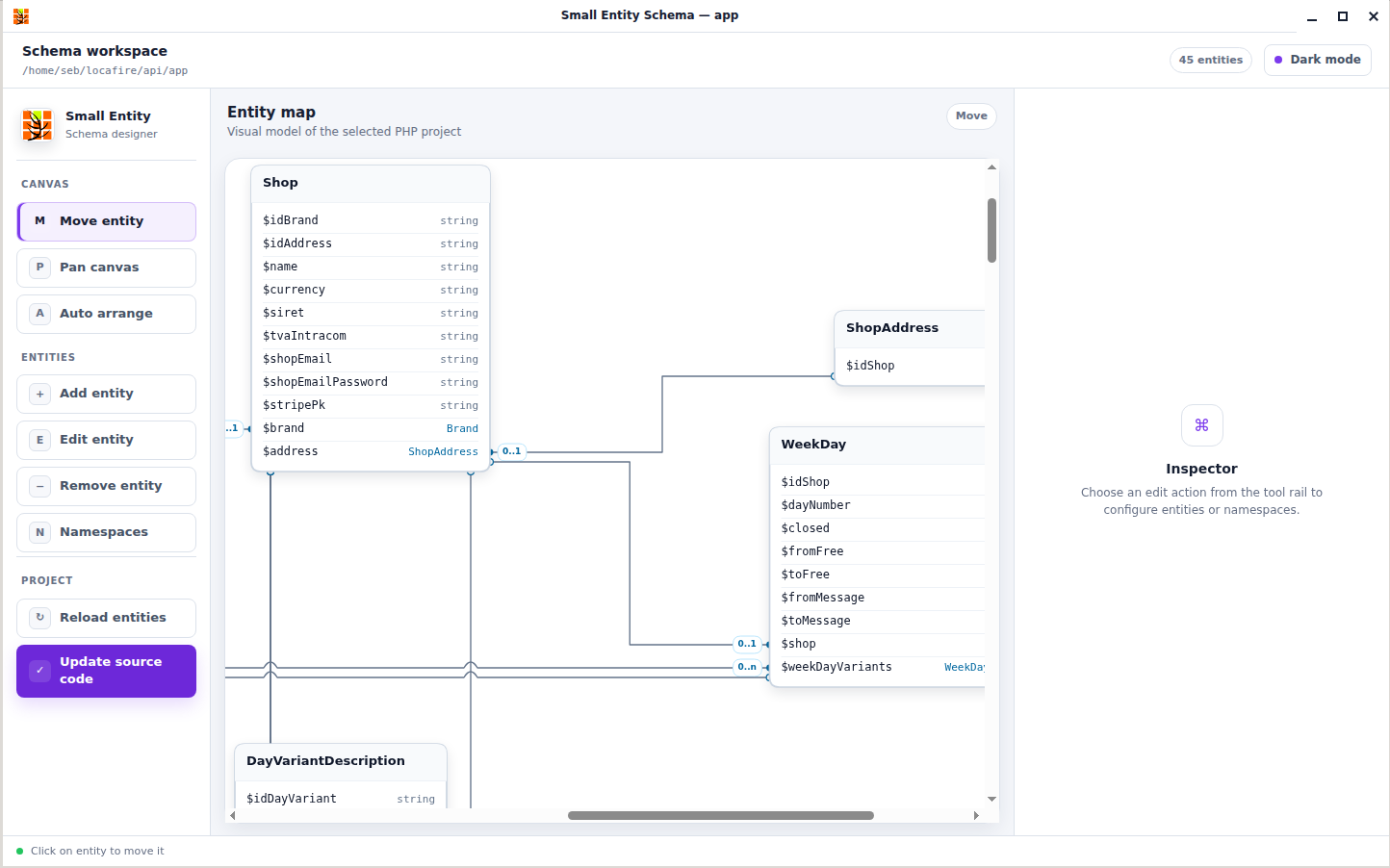
Use Reload entities after PHP files are changed outside the application. Diagram positions are cached per project, so switching projects does not mix their layouts.
2. Edit an entity and its properties
Select an entity on the map, then choose Edit entity. The inspector controls the class name, namespace, properties, field types and entity relations.
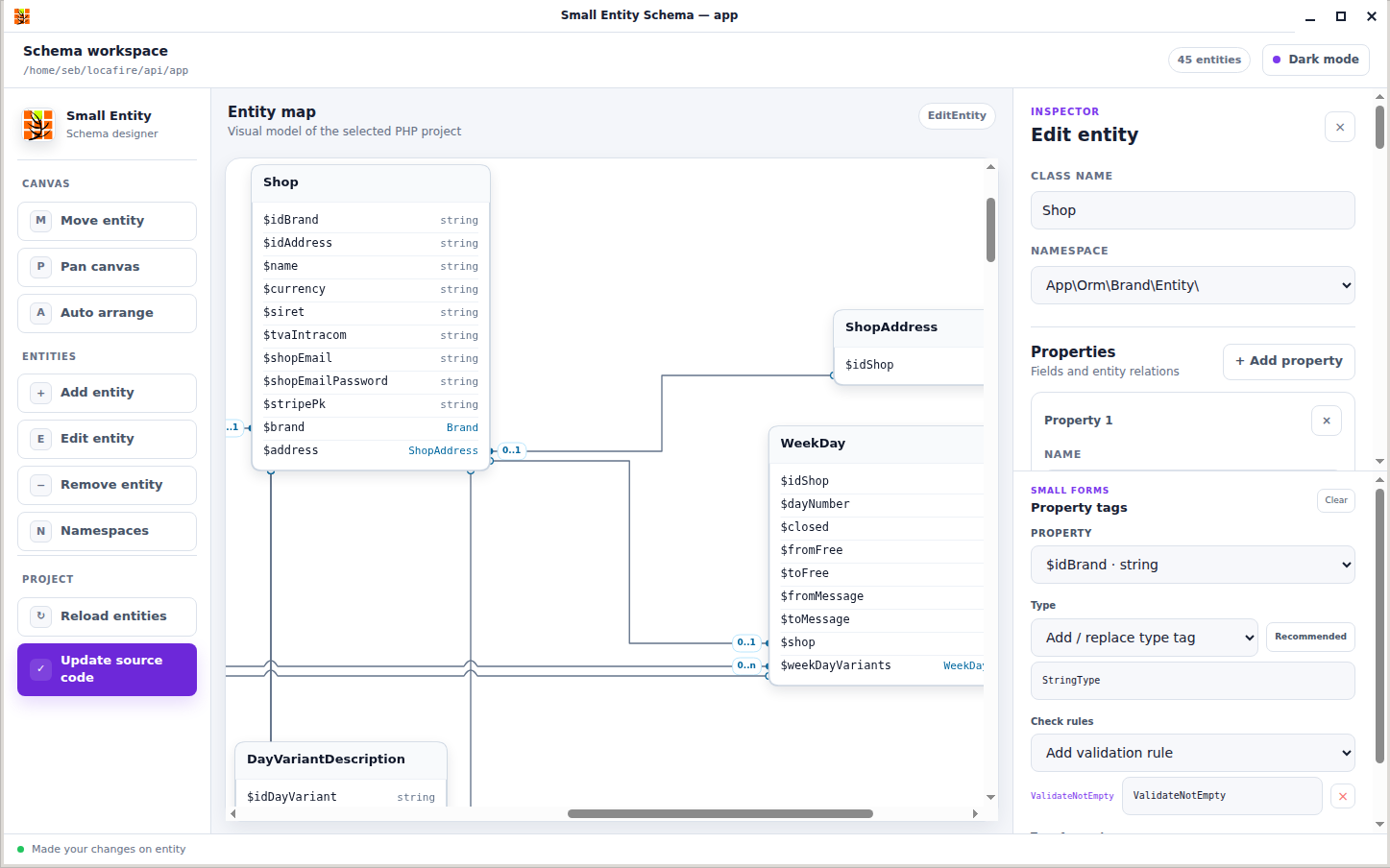
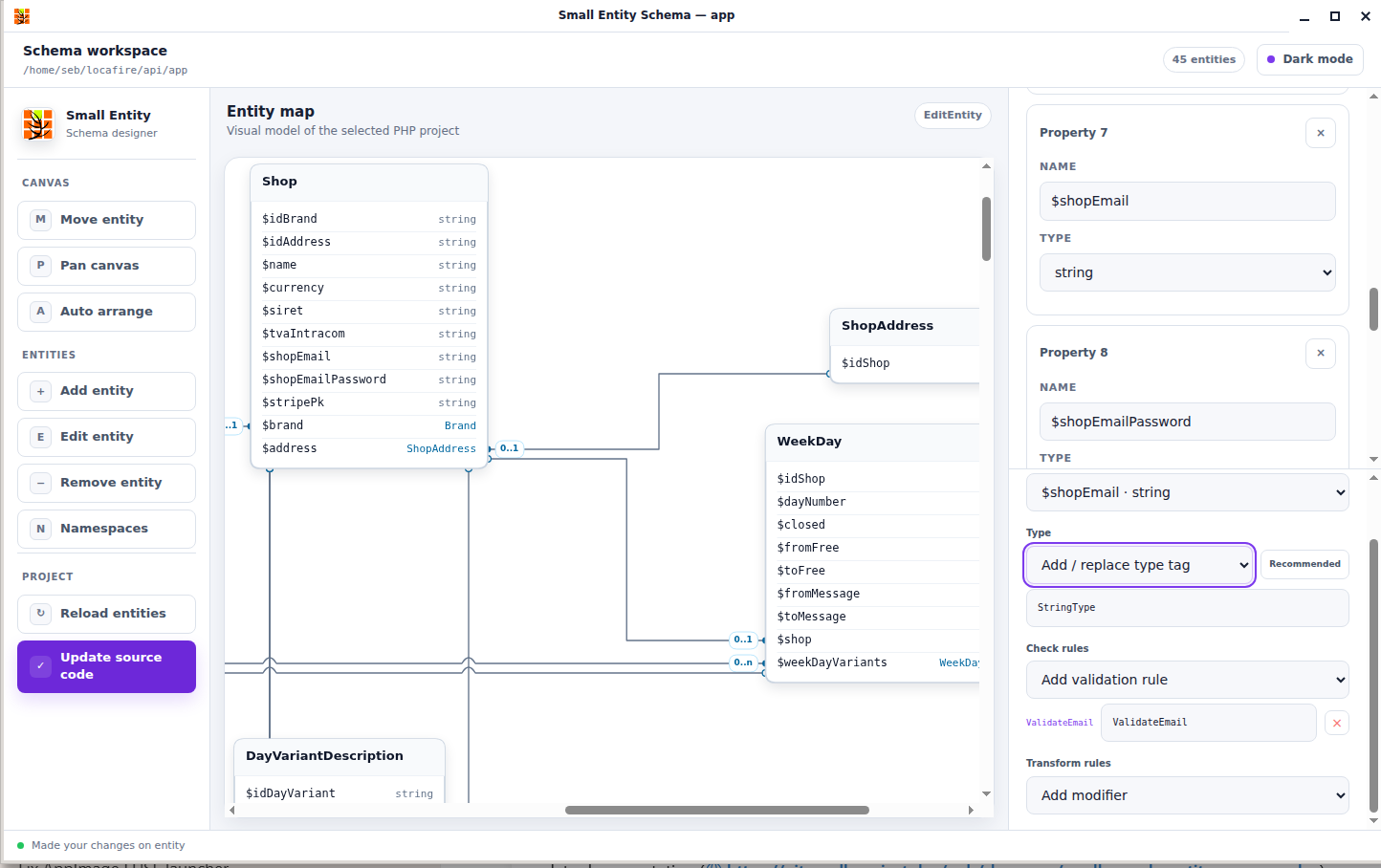
The Small Forms panel can add or replace a property type tag and exposes the complete built-in Small Forms
catalog: 75 validators and 38 modifiers. Rules such as ValidateNotEmpty, ValidateBeginWith and
ValidateEmail, together with modifiers such as TrimModifier, ToLowerModifier and SubStrModifier, are
written as PHP property attributes next to the ORM field declaration.
Because all built-in validators and modifiers support property targets, Entity Schema can generate the same
metadata that FormBuilder::createFromAttributes() consumes at runtime. See the Small Forms integration
guide for validation, normalization and hydration behavior.
3. Manage namespaces
Choose Namespaces to add sub-namespaces or remove schema namespaces. The entity editor uses this list when assigning a class namespace.
4. Update the PHP source
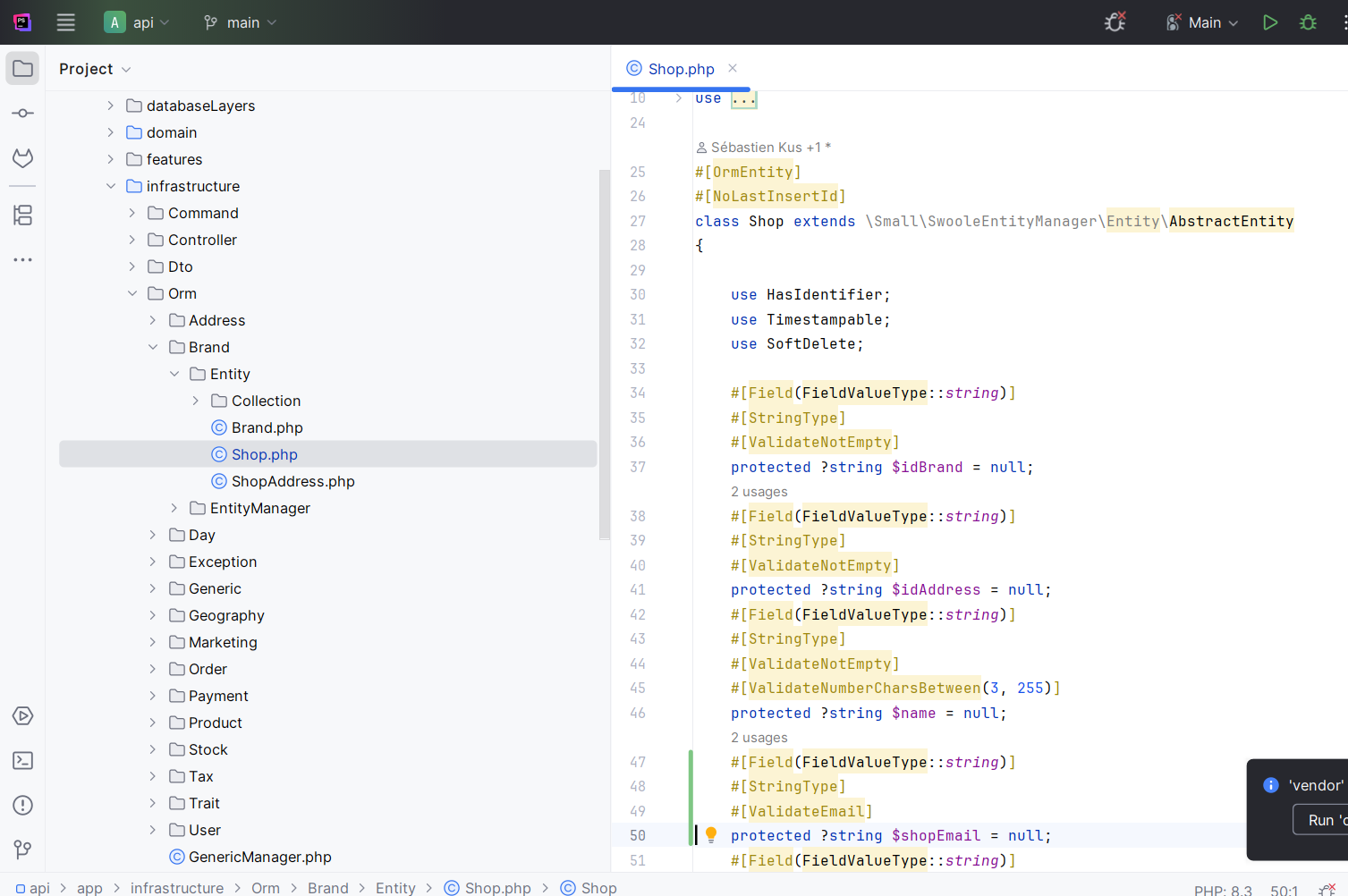
When the model is ready, choose Update source code. Small Entity Schema writes the owned ORM structure and configured metadata into the selected project.
Review generated changes
Update source code modifies PHP files on disk. Keep the project under version control and review the resulting diff before committing it.
Generated and preserved code
Small Entity Schema owns the schema-specific parts of an entity:
OrmEntity,PrimaryKey,Field,ToOneandToManymetadata;- generated ORM properties, manager references and collection metadata;
- configured Small Forms type, validation and modifier attributes.
It preserves application-owned code that is outside that generated model:
- custom methods and method bodies;
- implemented interfaces and PHPDoc;
- non-ORM properties;
- non-ORM PHP attributes.
This lets the visual model evolve without replacing the business behavior already implemented in the class.
Desktop behavior
The AppImage contains the Electron interface, PHP application, Composer dependencies and a static PHP runtime. Schema operations travel through an internal desktop bridge; the application does not start an HTTP server or bind a localhost port.
Project history and the active project are stored in the application's per-user data directory. Entity layout cache is isolated for each project.